
How to ask for a phone number at Shopify checkout so CartBoss can text abandoned carts
To require a phone number at Shopify checkout, set Shipping address phone number to Required in Settings → Checkout, so CartBoss can text abandoned carts. CartBoss can only text a shopper whose checkout has a phone number, so this setting decides how many carts you can recover.
Before you begin
- Install the CartBoss app in your Shopify store (see How to connect your Shopify store to CartBoss).
- Log in to your Shopify admin as the store owner or a staff member who can change settings.
Open your checkout settings from the CartBoss app
- In your Shopify admin, open Apps and click CartBoss.
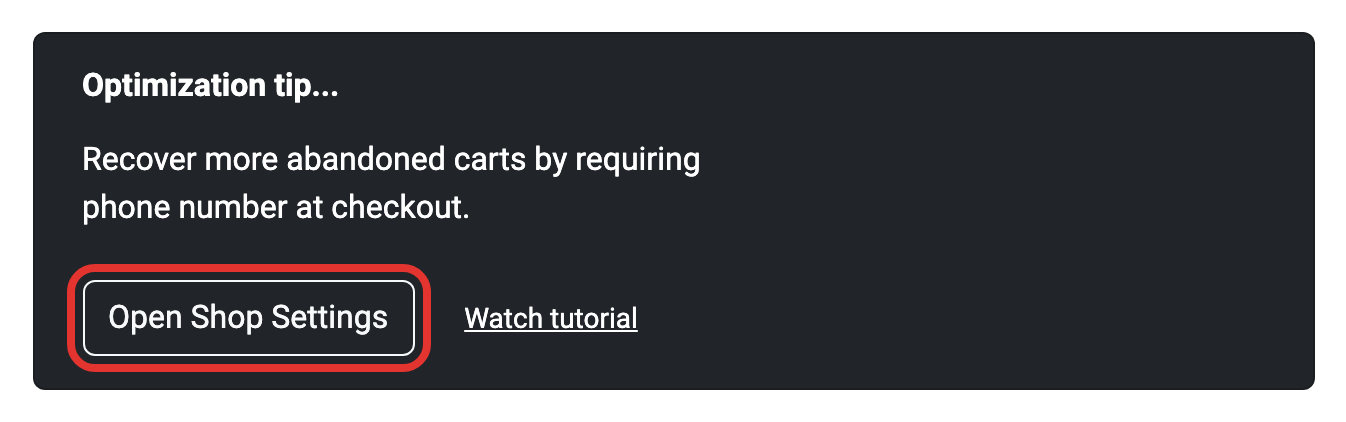
- In the Optimization tip... card ("Recover more abandoned carts by requiring phone number at checkout."), click Open Shop Settings. Your Shopify checkout settings open in a new tab.
You can also go there yourself: in your Shopify admin, click Settings, then Checkout.
Require a phone number at Shopify checkout
- In Settings → Checkout, scroll to the Customer information section.
- Find Shipping address phone number. It has three options: Don't include, Optional and Required.
- Choose Required.
- Click Save.
Shopify says a change can take up to 30 seconds to show on your checkout. Optional is the default on new stores: the field shows, but shoppers can skip it, and CartBoss can't text the ones who do.
Let shoppers check out with a phone number
In the same Settings → Checkout page, the Customer contact method section sets what shoppers type first.
- Under Customer contact method, select Phone number or email.
- Click Save.
Now each shopper chooses a phone number or an email address. Email is the default on new stores. Shopify has no option to require both, so to be sure you get a phone number, also set Shipping address phone number to Required (above).
What happens next
- When a shopper types a phone number at checkout and leaves without paying, Shopify passes the checkout to CartBoss, and your abandoned cart texts can go out (see How to set up abandoned cart text messages in CartBoss).
- CartBoss uses the first phone number it finds in the checkout: the SMS sign-up number, the contact phone, or the phone in the billing or shipping address.
- If a shopper never gives a phone number, CartBoss can't text them.
- Texts are paid from your CartBoss balance; prices: pricing page.
Questions
Does CartBoss make the phone field required?
No. You set it in your Shopify checkout settings. The CartBoss app only links you there with Open Shop Settings.
Why do some orders still have no phone number?
Shopify applies Required only when the checkout has a shipping address step. If nothing in the cart needs shipping, for example digital products, Shopify skips that step and the phone number with it.
Shoppers gave a phone number, so why did some get no text?
A phone number is only the first condition. Check the store's Abandoned cart consent setting in CartBoss: with Only visitors with explicit consent on your website, a new shopper must tick a marketing checkbox first (see How to text only shoppers who gave SMS consent in CartBoss). For other reasons, see How to find out why a shopper didn't get a CartBoss text.
How do I add an SMS sign-up checkbox to my checkout?
Turn on SMS in the Marketing opt-in section of the same page. See How to add the SMS consent checkbox to your Shopify checkout.